
SectorsFacilities, utilities and telecoms
Get the right equipment to the right team
Specialist kit — test sets, locators, splicers, generators — is shared across vans, depots and regions. GeoTrace shows which van every item is on, so engineers start the day with what the job needs.
Built for
Who it's for, and what it changes
Operations directors
See which teams have the kit they need, in every region.
- Kit allocation across every van and depot
- A history for every high-value item
- One view of vehicles and equipment for the whole operation
Regional managers
Catch shared equipment on the wrong van before it’s needed.
- Wrong-van alerts for assigned equipment
- Morning allocation checks at the depot
- Vans live on the map, with depots drawn as geofences
Sound familiar?
When specialist kit is shared between teams, the question isn’t whether you own it. It’s whose van it’s on today.
“It’s on someone’s van”
A fusion splicer or cable locator is shared between teams. Finding it means a round of calls and, often, a wasted journey.
“We can’t start without it”
An engineer arrives on site without the right test set. The job is rebooked and the customer is left waiting.
“How many do we actually have?”
Without a live count, regions over-order kit to be safe, and older equipment quietly disappears.
Morning allocation, checked automatically
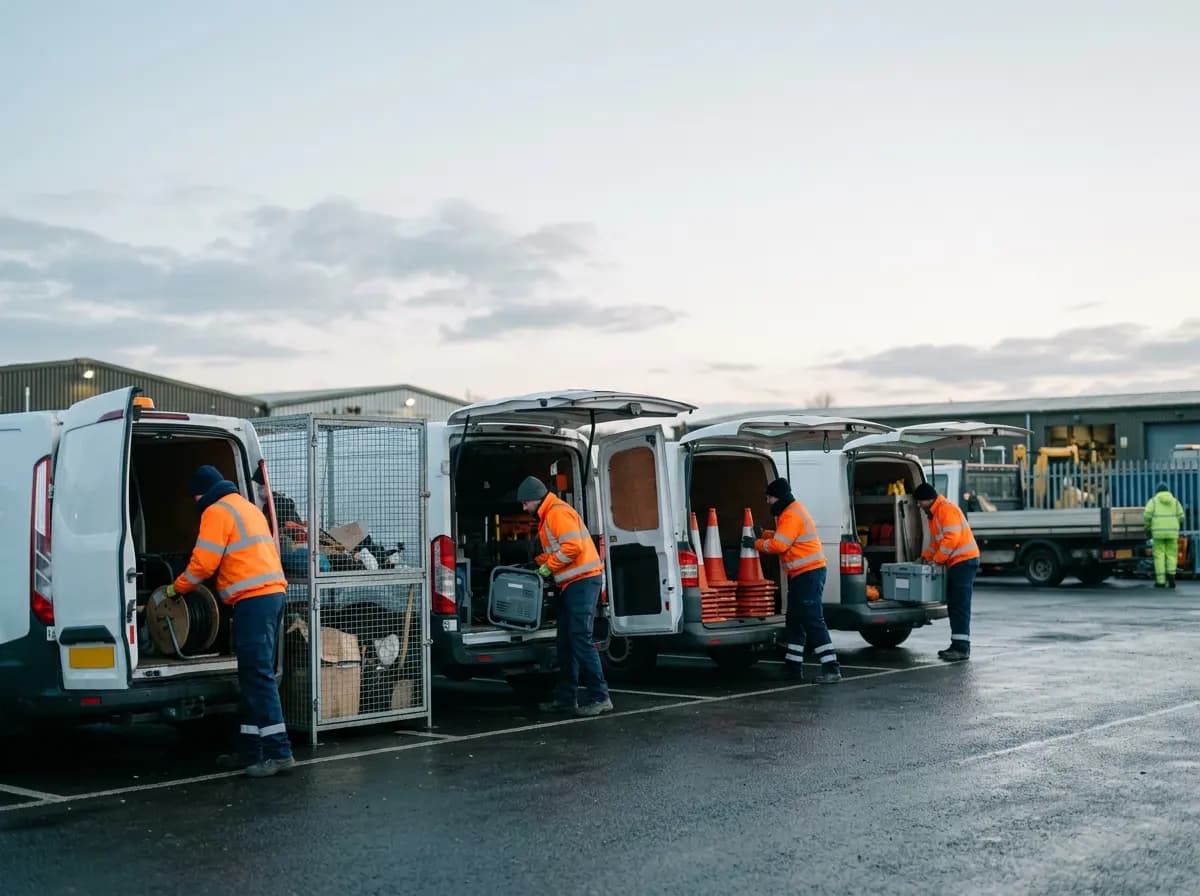
Assign kit to each van. As engineers load up at the depot, GeoTrace checks each van against its list and flags anything missing before the vans head out.
Allocation · 07:12
Live- Van 11
- 4 of 4 items
- Van 14
- 3 of 3 items
- Van 16
- Cone set 2 missing
- Van 17
- 2 of 2 items
Shared equipment, on the right team’s van
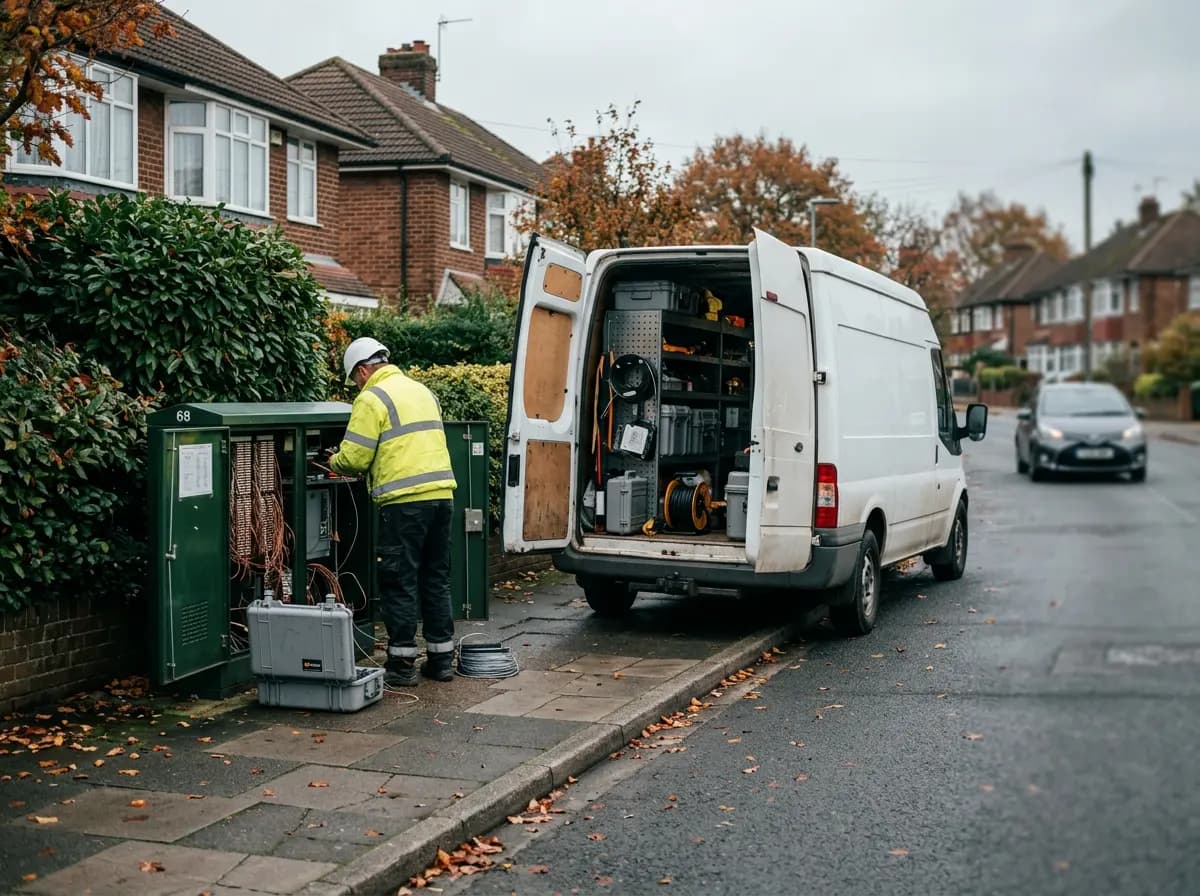
When a shared item turns up on another team’s van, you get an alert — so it can be swapped back before someone needs it on the other side of the region.
Van 22 · North team
Live- Test set TS-04
- Off van · in use
- Cable locator
- On board
- Fusion splicer
- On Van 31 · South
Every depot drawn on the map
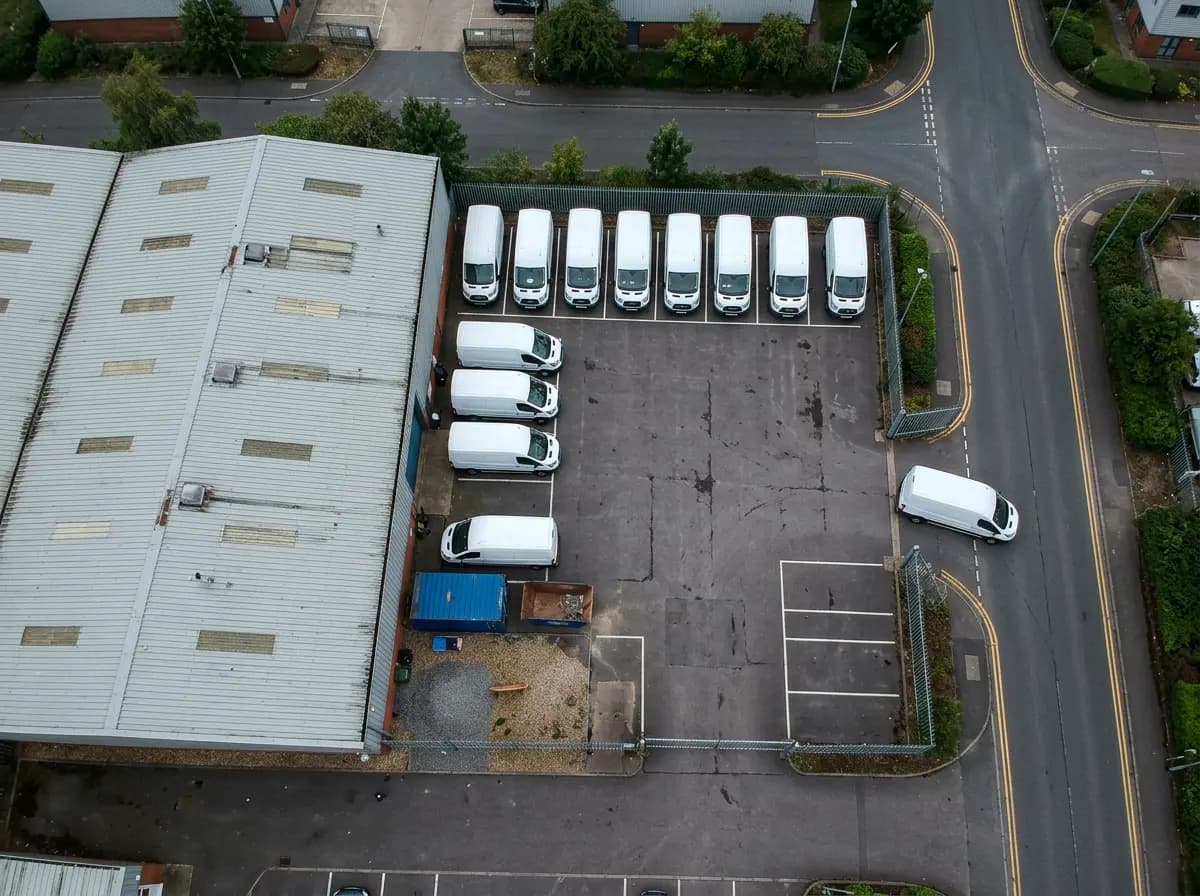
Draw each depot and major site as a geofence, get an alert as vehicles arrive and leave, and see any out-of-hours use flagged in the morning summary.
Depot zone
Alert- Exited
- Van 03 · 08:14
- Inside now
- 12 vans
- Shape
- Custom polygon
Plus everything else in GeoTrace
It all sits in the same GeoTrace dashboard as your vehicle tracking, so there's nothing extra to learn.
Teams and regions
Role- and team-based access, so each regional manager sees their own vans and equipment.
Engineers see their own kit
The companion app shows each engineer the equipment assigned to their van.
Trip history
Replay any journey to see when a van arrived on site and how long it stayed.
Tag battery warnings
Tags warn you well before their batteries run flat, so nothing drops off the allocation.
Other sectors
- Trades and maintenanceTool tracking for trade vans
- Equipment hireMEWP hire
- Events and AVEvent production and AV
- Landscaping, cleaning and restorationRestoration, grounds and cleaning
- Logistics and temperature-sensitive deliveryChilled and sensitive delivery
- Waste, skip hire and recyclingSkip hire and waste
See your kit allocation, live
We’ll tag some of your shared equipment and show you which van it’s on — and what happens when it moves to the wrong one.